


In today’s digital world, our social media accounts—be it Instagram, Facebook, or X (Twitter)—are more than just apps. They contain our private photos, personal messages, and sensitive data. With cybercrime on the rise, social media hacking has become a common tool for identity theft and financial fraud.
At Crime Patrol, we want to help you spot the early warning signs of a security breach. If you notice any of the following symptoms, your account might be under someone else’s control.




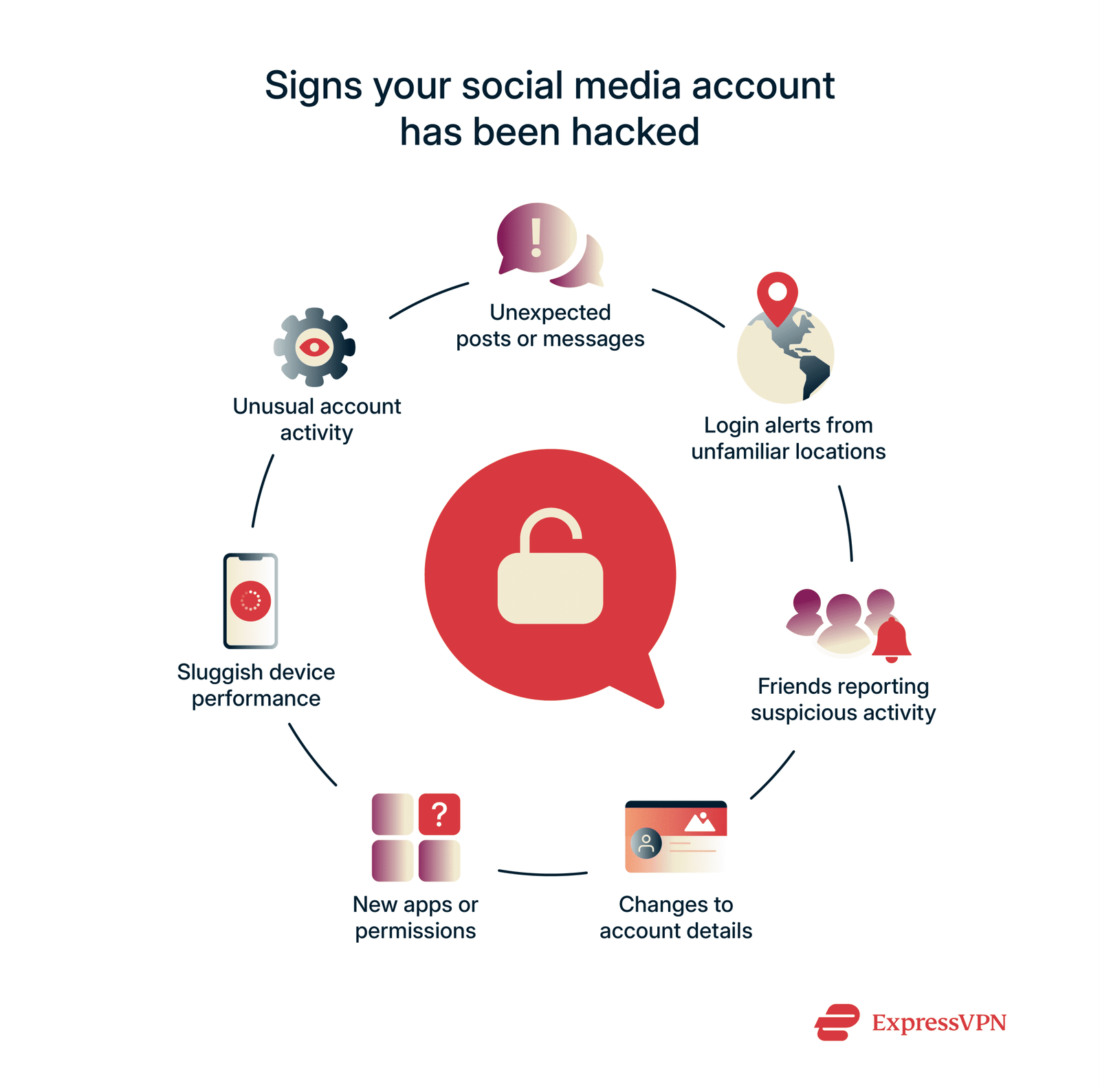
1. Unexpected Password Changes
The most obvious sign of a hack is being unable to log in. If you find that your password is “incorrect” even though you haven’t changed it, and you haven’t received a password reset email that you requested, a hacker has likely gained access and locked you out.
2. Strange Posts or Messages You Didn’t Send
Check your “Sent” folder or your “Direct Messages.” Hackers often use compromised accounts to send scam links, cryptocurrency “opportunities,” or suspicious files to your friends. If your followers are asking you about weird posts or messages that you don’t remember sending, your account security is compromised.
3. Login Alerts from Unknown Locations
Most platforms like Facebook and Instagram send a notification when a new device logs into your account. If you receive an alert about a login from a city or country you’ve never visited, or a device you don’t own (e.g., an iPhone when you use Android), you must act immediately.
4. Changes to Your Personal Profile Information
Hackers often change the email address or phone number associated with your account so that you cannot recover your password. They may also change your bio, profile picture, or website links to promote scams.
5. Sudden New “Following” or Friend Requests
If you suddenly find yourself following hundreds of unknown accounts, or if your “Friend List” is filled with strangers, a bot or a hacker is likely using your account to boost other profiles’ engagement.
How to Recover Your Hacked Account
If you believe your account has been compromised, follow these steps immediately:
Step 1: Change Your Password
If you still have access, go to settings and change your password to something complex (a mix of letters, numbers, and symbols). Use a password that you do not use for any other website.
Step 2: Revoke Access to Unknown Devices
Go to the “Security” or “Where You’re Logged In” section of your app settings. Manually “Log Out” of every device that you do not recognize.
Step 3: Use the Official Recovery Links
If you are locked out, use the platform’s official recovery pages:
Instagram: instagram.com/hacked
Facebook: facebook.com/hacked
Step 4: Enable Two-Factor Authentication (2FA)
This is the most important step for future safety. 2FA requires a code from your phone or an authenticator app every time someone tries to log in. Even if a hacker knows your password, they cannot get in without this code.
Conclusion
Your digital identity is valuable. By staying alert to these five warning signs, you can stop a hacker before they do permanent damage. Remember, social media platforms will never ask for your password via DM or email. Stay safe and keep your privacy protected!










Discussion about this post